Merge, Split and Organize PDFs Like a Pro
PDF is the format the world uses for documents that must look the same everywhere — which means everyone ends up needing to combine, extract, rotate or shrink them. These are the five workflows that handle 95% of real-life PDF jobs.
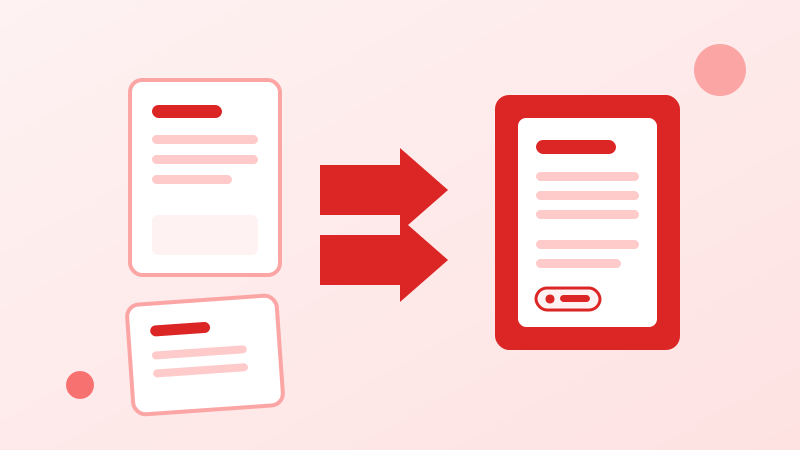
Merge in the right order
When combining a cover letter, CV and certificates into one application PDF, order matters. Add files in reading order, merge once, then flip through the result page by page — catching a wrong order now is much cheaper than after you hit send.
Split instead of forwarding everything
Need to share one chapter of a manual or a single invoice from a 60-page statement? Split out just those pages. It keeps file sizes small, loads faster for the reader, and avoids handing over pages nobody was meant to see.
Fix scans and shrink giants
Phone-scanned documents often arrive sideways — a 90° rotation fixes them permanently. And when an email rejects a 25 MB attachment, PDF compression usually cuts it to a fraction of the size while keeping the text perfectly readable.
Put it into practice — free, right in your browser:
Browse the PDF Tools →